
Smart Home Automation That Makes Technology Work Together
Want Your Home Technology to Work Seamlessly?
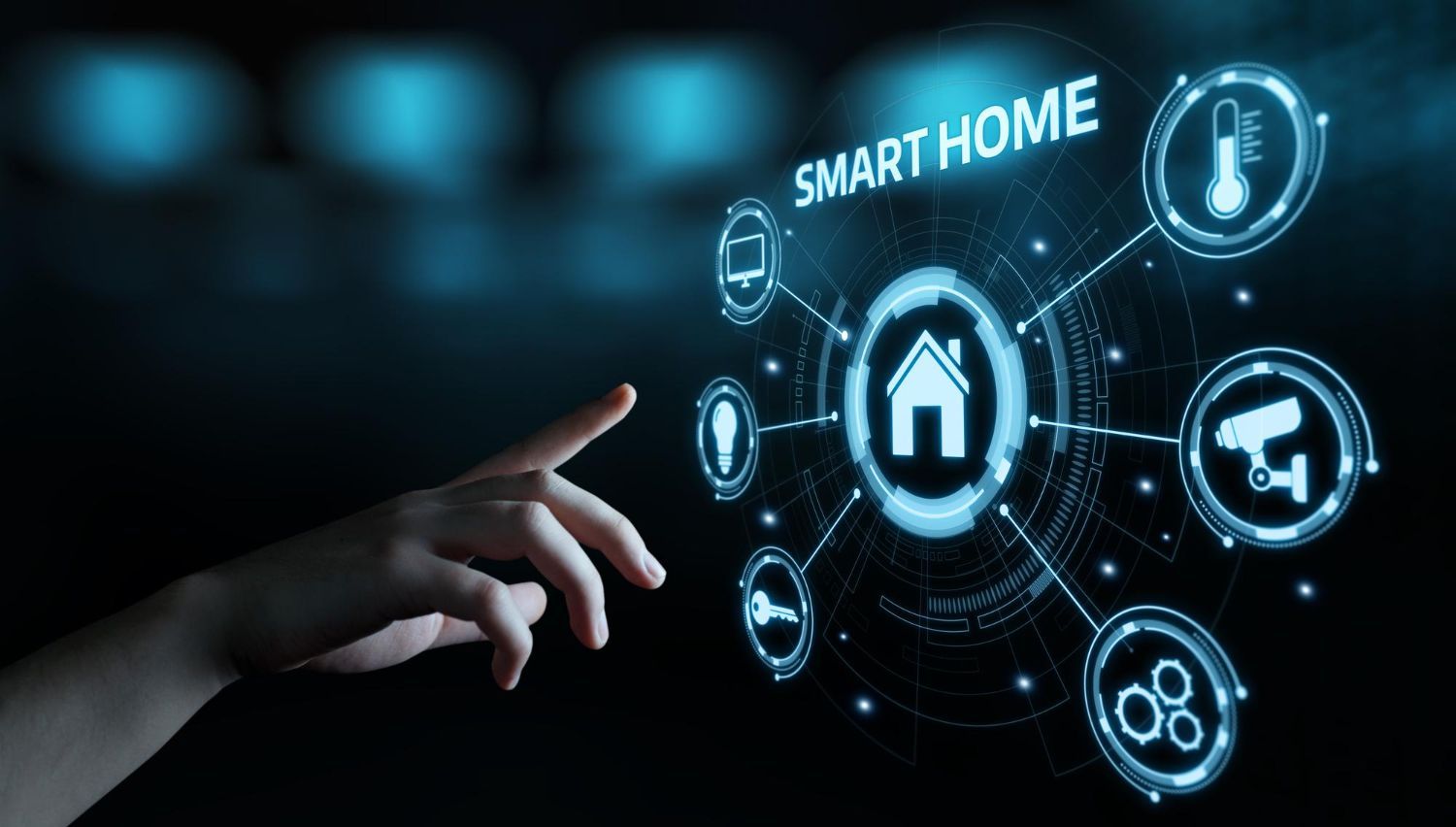
Many homes today have smart devices, but they often operate separately instead of working together. Lights, speakers, streaming devices, security cameras, and thermostats may each require different apps and controls. Tech Shack provides smart home automation in the Clemson area that connects your devices into a single, easy-to-use system. With the right setup, you can control multiple systems from one place and create a home environment that responds to your daily routine.
Situations Where Smart Home Automation Makes Life Easier
Control Lighting and Devices From One Place
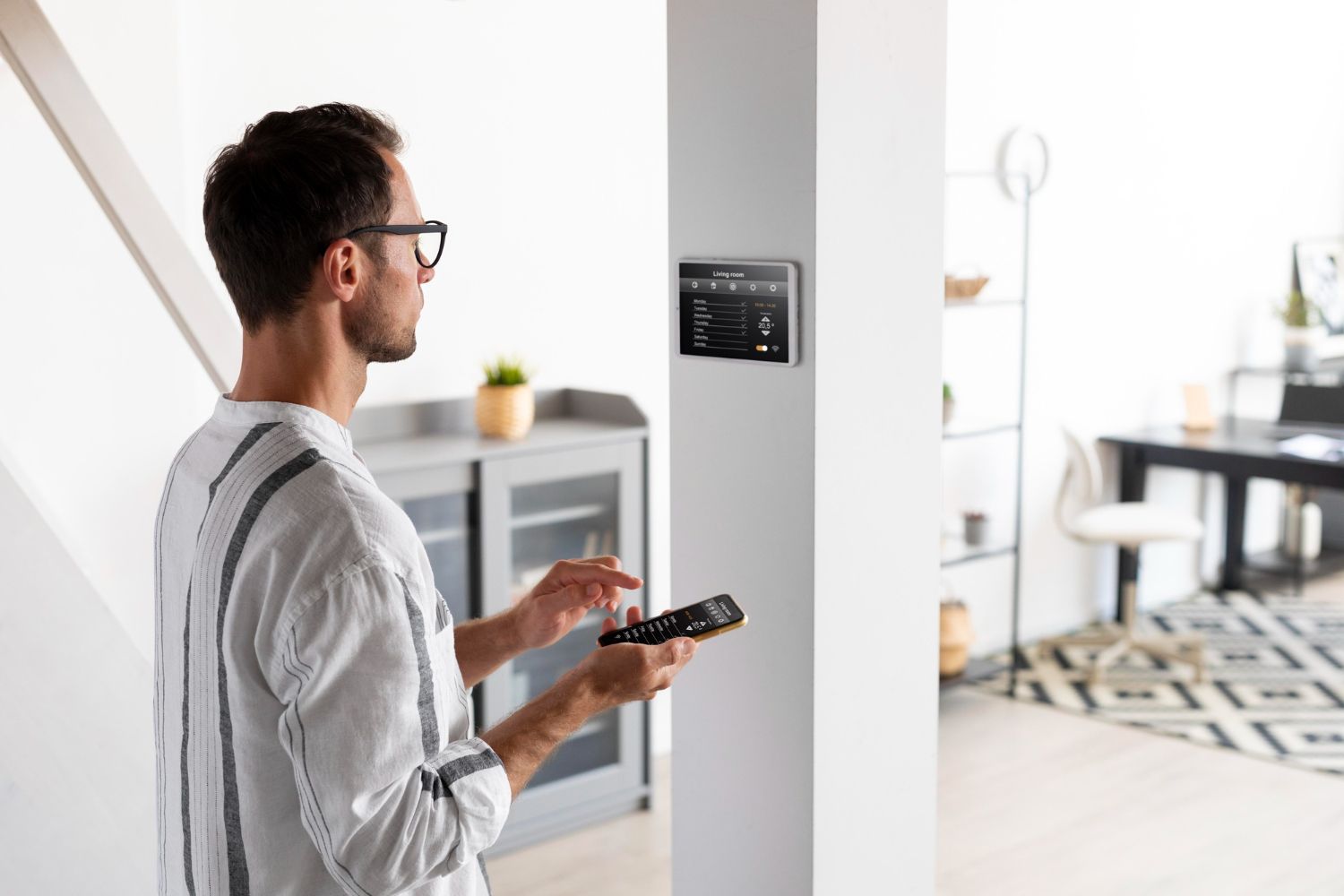
Smart automation allows you to manage lighting, media systems, and connected devices through a single interface instead of multiple apps.
Whole-Home Audio Integration
Music and audio systems can be synchronized across multiple rooms while allowing individual volume control in different areas of the home.
Automated Entertainment Systems
Smart systems can simplify your entertainment setup by controlling TVs, speakers, and streaming devices with a single command.
Smart Security and Monitoring
Connected cameras, doorbells, and sensors allow homeowners to monitor activity and manage alerts from their phones.
Common Mistakes With Smart Home Devices
Installing smart devices that are not compatible with each other.
Using too many separate apps to control different systems.
Poor WiFi coverage that causes devices to disconnect.
Placing smart hubs in locations with weak network connectivity.
Installing devices without planning long-term expansion.
Quick troubleshooting tips
Quick Guidance for Planning a Smart Home
Start With a Reliable Network
Smart home devices depend on stable networking. A strong WiFi network helps automation systems run smoothly.
Choose Compatible Devices
Devices that work within the same ecosystem are easier to manage and automate together.
Plan Control Systems Carefully
Centralized control panels or smart hubs help simplify automation across multiple rooms.
Think About How You Use Your Home
Automation works best when it supports daily routines such as lighting schedules, entertainment use, or security monitoring.
Smart home systems are only as reliable as the network they run on. If your WiFi has dead zones or drops in certain rooms, devices will become unresponsive and automations will fail. We recommend reviewing your networking and WiFi setup alongside any smart home installation — we handle both.
Ready to Simplify Your Smart Home Setup?
Smart home technology should make life easier, not more complicated. Tech Shack helps Clemson homeowners design automation systems that connect devices together and simplify everyday use.
What to Expect During Smart Home Installation
The process begins with evaluating the devices and systems you want to connect. Network reliability, device compatibility, and room layout all influence how the automation system is designed. Once the system plan is finalized, devices are installed, connected to the network, and configured to work together. Final testing ensures everything operates smoothly and responds correctly to commands or schedules.
Typical steps include:
- Evaluating devices and home network capabilities.
- Planning automation and device integration.
- Installing and configuring smart home systems.
- Testing automation controls and device connectivity.
Compare Your Options Clearly
Smart home systems work best when devices are designed to work together.
| Situation | Integrated Smart Home | Separate Devices |
|---|---|---|
| Device control | Centralized control system | Multiple apps required |
| System compatibility | Devices work together smoothly | Compatibility issues common |
| Automation features | Routines and schedules available | Limited automation |
| Ease of use | Simple control interface | Fragmented user experience |
Not sure how to connect your smart home devices? A consultation can help plan the right system.
Smart Home Automation FAQs
What smart home devices does Tech Shack install?
Tech Shack installs and configures smart lighting, smart thermostats, smart locks, security cameras, video doorbells, and voice assistant integrations. We work with major platforms including Google Home, Amazon Alexa, and Apple HomeKit.
Do smart home devices require a strong WiFi network?
Yes. Smart home devices rely heavily on a stable WiFi connection. If your network has dead zones or inconsistent signal, devices can become unresponsive or fail to automate correctly. We often recommend a network assessment alongside any smart home installation.
Can you add smart home features to an older house?
Yes. Most smart home devices don't require any rewiring or structural changes and can be added to any home. Some devices like smart switches require a neutral wire in the electrical box — we'll assess your setup before recommending specific products.
How long does a smart home installation take?
A basic smart home installation covering a few devices typically takes 2–4 hours. Larger installs with multiple rooms, cameras, and integrated systems can take a full day. We'll give you a time estimate after reviewing what you want set up.
Build a Smart Home That Works the Way You Live
Smart home automation brings together lighting, entertainment, networking, and security into one connected system. Tech Shack provides smart home installation in Clemson for homeowners who want technology that works smoothly behind the scenes.
Looking to combine automation with a full entertainment setup? Our
home theater installation services integrate well with smart home systems, including automated lighting scenes, TV control through voice assistants, and whole-home audio.