
Reliable Mac Repair for Clemson MacBooks and iMacs
Is Your MacBook Slowing Down or Not Working?
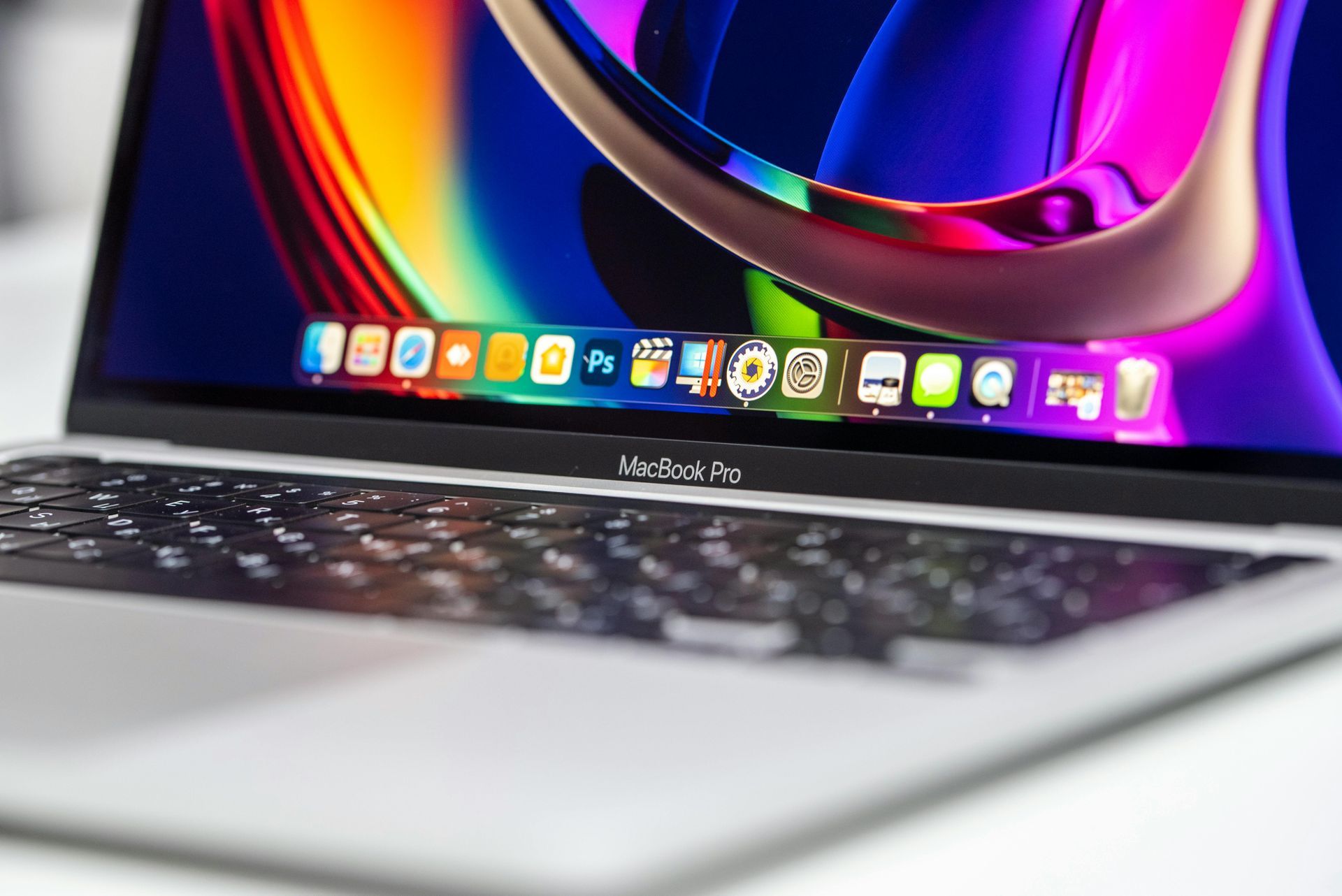
Mac computers are known for reliability, but even well-built machines eventually develop problems. It can be stressful when a MacBook stops charging, an iMac becomes painfully slow, or the operating system refuses to load. Tech Shack provides Mac repair in the Clemson area with diagnostics designed to identify the exact cause of the issue. From hardware failures to macOS problems, repairs are handled so you can get your device back to normal without unnecessary replacement costs.
Common Mac Problems We Repair Every Day
If you're using a Windows laptop or PC instead of a Mac, our computer repair page covers everything from virus removal to hardware upgrades for non-Apple devices.
MacBook Not Charging
Charging failures can come from worn batteries, damaged charging ports, or faulty adapters. Careful testing determines the exact cause so the correct repair restores reliable power.
Slow Mac Performance
Older MacBooks often slow down because of aging storage drives or overloaded operating systems. Upgrades and system optimization can dramatically improve performance.
macOS Startup Issues
If your Mac gets stuck on the Apple logo or constantly restarts, the operating system may be corrupted. System repair and reinstall services restore stable operation.
Overheating or Loud Fans
Excess heat can cause performance throttling or unexpected shutdowns. Cleaning, cooling repairs, and diagnostics help keep your Mac running safely.
Small Mac Issues That Often Become Bigger Problems
Continuing to use a swollen or failing battery can damage the internal components of a MacBook.
Ignoring overheating warnings can shorten the lifespan of internal hardware.
Running outdated macOS versions can expose your device to security vulnerabilities.
Attempting DIY repairs without proper tools can damage delicate Mac components.
Waiting too long to diagnose a failing drive can result in permanent data loss.
Quick troubleshooting tips
Quick Guidance for Common Mac Issues
If Your Mac Is Running Slowly
Check how full the storage drive is and remove unused applications. If the system still struggles, performance upgrades or system cleanup may help.
If Your Mac Won’t Boot
Startup issues often result from corrupted operating systems or hardware failures. Diagnostics identify the root cause before repairs begin.
If Your MacBook Battery Drains Quickly
Battery health declines over time and may require replacement. Testing confirms whether the battery or charging system is responsible.
If Your Mac Overheats During Use
Dust buildup and heavy background processes can raise internal temperatures. Cleaning and system optimization help prevent overheating.
Ready to Have This Handled for You?
When a Mac stops working properly, troubleshooting can quickly become frustrating. Tech Shack repairs MacBooks and iMacs for Clemson students, homeowners, and professionals who need reliable devices for school, work, and everyday use.
What to Expect From Start to Finish
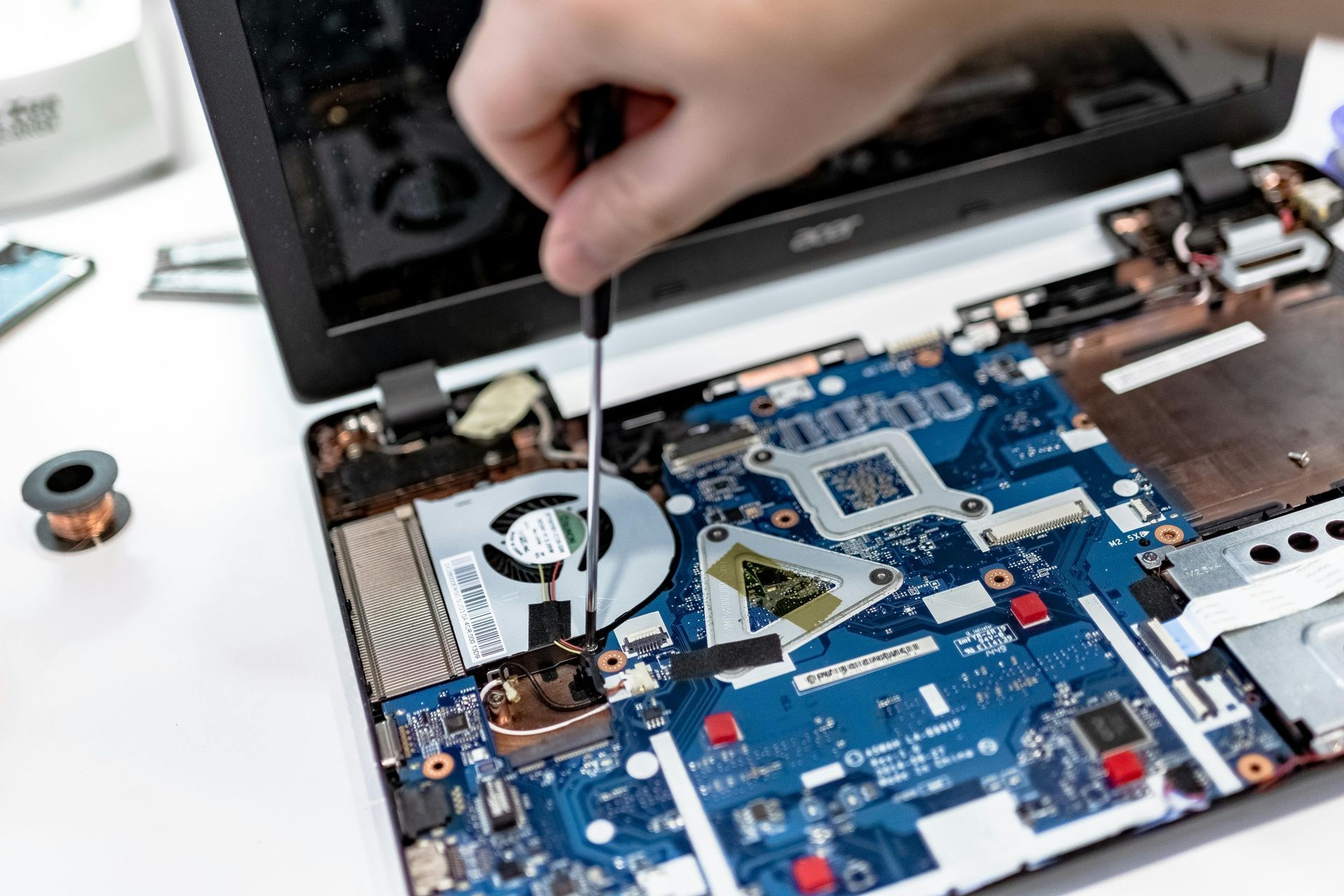
Mac repair begins with a detailed diagnostic process to identify the exact cause of the problem. Once the issue is confirmed, you receive a clear explanation of the repair options available. Depending on the situation, the repair may involve hardware replacement, system restoration, or performance upgrades. Throughout the process, Tech Shack keeps communication simple so you know the status of your device.
Typical steps include:
- Diagnostic testing of hardware and software.
- Clear explanation of the issue affecting the Mac.
- Repair or upgrade of the affected components.
- Final testing to confirm performance and reliability.
Compare Your Options Clearly
Choosing between repairing a Mac or replacing it depends on the condition and age of the system.
| Situation | Mac Repair | Replacement |
|---|---|---|
| System age | Ideal for Macs under 6–7 years old | Older machines may benefit from replacement |
| Performance issues | Upgrades can significantly improve speed | New devices offer improved hardware |
| Hardware damage | Targeted repairs restore functionality | Severe damage may require replacement |
| Budget considerations | Repair is usually more affordable | New systems require higher investment |
Not sure which option is best for your Mac? A diagnostic helps determine the most practical solution.
Mac Repair FAQs
Can you repair a MacBook that won't turn on?
Yes. A MacBook that won't power on is one of the most common repairs we see. The cause is usually a failed battery, charging port issue, or logic board problem — all of which we diagnose and repair at Tech Shack.
Do you repair Macs that are out of Apple warranty?
Yes. Tech Shack repairs Mac computers regardless of warranty status. We offer an independent alternative to Apple's own service pricing, often at lower cost, particularly for out-of-warranty hardware repairs.
How long does Mac repair take?
Most Mac repairs are completed within 1–3 business days. Screen replacements, battery swaps, and charging port repairs are typically faster, while logic board repairs may take a bit longer depending on component availability.
Can you upgrade the storage or RAM on a MacBook?
It depends on the model. Older MacBooks (pre-2016) often allow RAM and storage upgrades. Newer Apple Silicon models have unified memory that cannot be upgraded after purchase. We'll assess your specific model and recommend the best performance improvement available.
Get Your Mac Working Again Without the Guesswork
Mac problems can interrupt school, work, and creative projects when you depend on your computer most. Tech Shack helps Clemson Mac users get clear answers and reliable repairs so their devices work the way they should.
If your Mac is older and the repair cost doesn't make sense, we accept Macs for
tech trade-in — you can put the value toward a repair on another device or apply it to a
custom PC build if you're thinking about switching platforms.