Console Diagnostics to Identify the Real Problem
Not Sure What’s Wrong With Your Console?
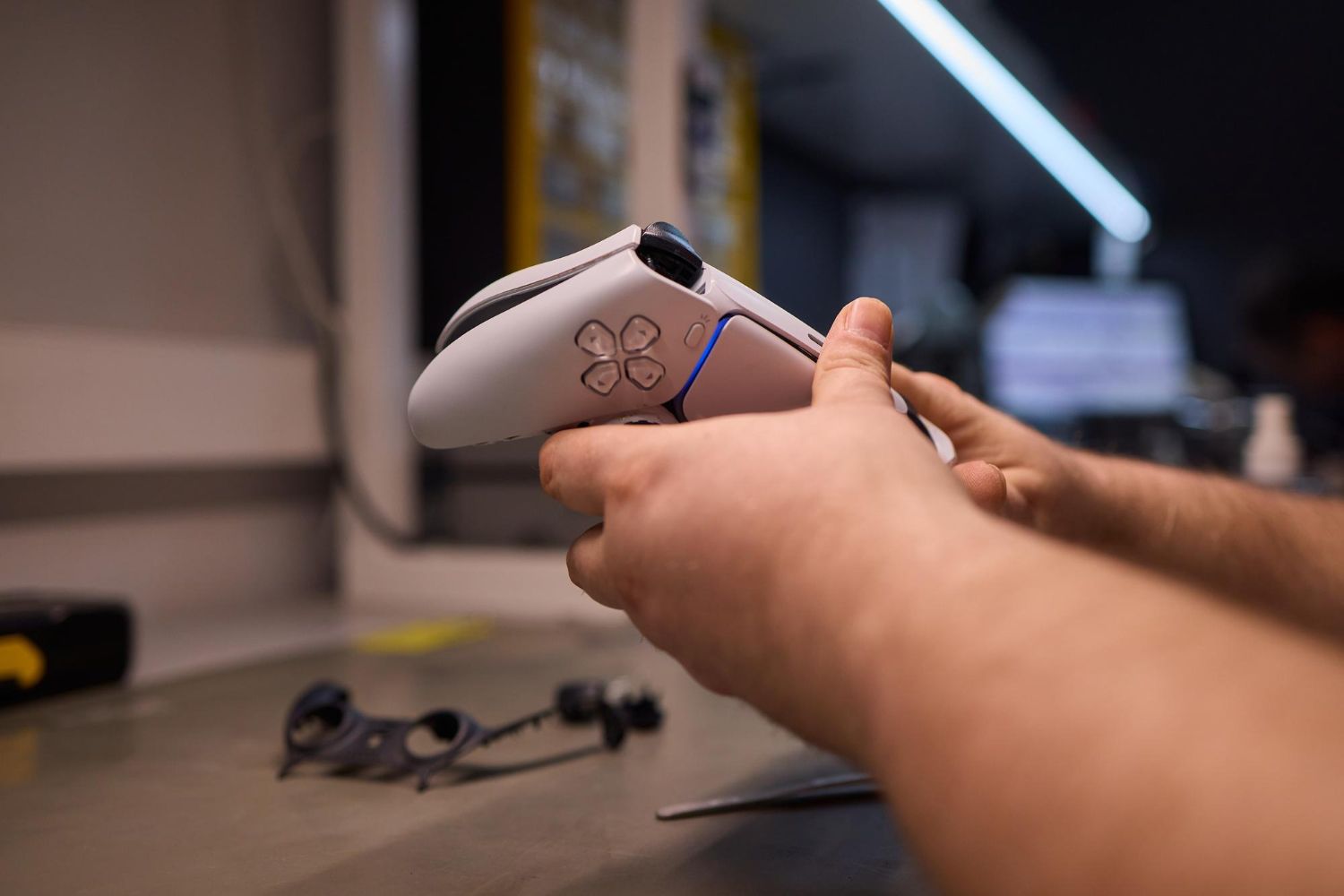
When a console stops working properly, the cause isn’t always obvious. Systems may shut off randomly, fail to load games, or power on without displaying video. Guessing at the problem can lead to wasted time or unnecessary replacement parts. Tech Shack provides console diagnostic services in the Clemson area to identify the exact issue affecting your PlayStation or Xbox before repairs begin.
Situations Where a Console Diagnostic Helps
Console Powers On but Won’t Start Games
If the system turns on but games crash or fail to load, the issue could involve storage, software corruption, or internal hardware. Diagnostics identify which component is causing the failure.
Console Has No Display Output
A system that powers on without showing video may have an HDMI port issue or deeper motherboard damage. Diagnostics confirm whether the problem requires HDMI repair or another fix.
Frequent Freezing or Crashing
Random crashes often come from overheating, failing hardware, or corrupted system files. Testing helps determine the source of instability.
Console Randomly Turns Off
Unexpected shutdowns can be related to power supply issues, overheating, or internal board damage. A diagnostic helps isolate the cause.
Common Mistakes When Troubleshooting Consoles
Replacing parts before confirming the actual cause of the problem.
Continuing to use a console that frequently overheats.
Ignoring warning signs like sudden shutdowns or system errors.
Attempting repairs without identifying the failing component first.
Assuming the entire console is broken when only one part has failed.
Quick troubleshooting tips
Quick Guidance for Identifying Console Problems
If Your Console Won’t Display Video
Test a different HDMI cable and TV input first. If the problem continues, the console likely needs HDMI inspection.
If Games Crash Frequently
Software corruption or storage issues may be responsible. Diagnostics determine whether system files or hardware are involved.
If the Console Overheats During Gameplay
Blocked vents or internal dust can cause overheating. Cleaning or cooling repairs may be needed.
If the Console Won’t Stay Powered On
Power supply or motherboard problems may be responsible. Diagnostics help identify which component is failing.
Ready to Get Clear Answers About Your Console?
Trying random fixes online can quickly become frustrating. A proper diagnostic identifies the exact cause of the problem so repairs focus on the right solution.
What to Expect From a Console Diagnostic
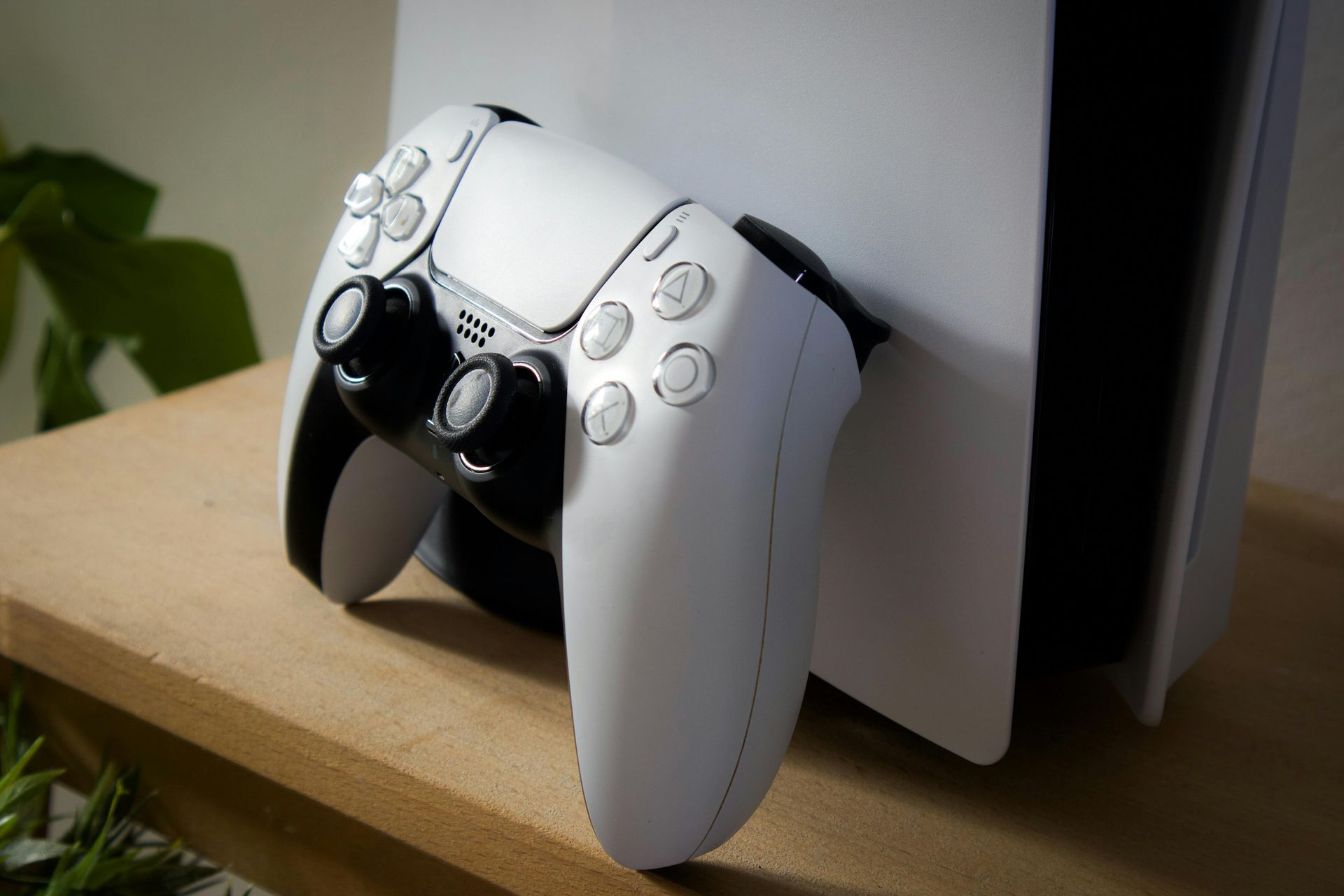
The diagnostic process begins with a full inspection of the console’s hardware and system behavior. Testing helps determine whether the problem involves HDMI ports, internal components, cooling systems, or software corruption. Once the issue is identified, the repair options are explained clearly so you can decide how to proceed. This approach prevents unnecessary repairs and focuses on the real cause of the problem.
If the diagnostic confirms a repair is needed, we handle it in-house — no need to go anywhere else. The most common finding is HDMI port damage, which you can read more about on our HDMI port repair page. For other hardware failures, our full console repair services cover everything from disc drive issues to motherboard-level problems.
Typical steps include:
- Visual inspection of console hardware.
- Testing video output, power systems, and system behavior.
- Identifying the failing component or system error.
- Explanation of repair options and next steps.
Compare Your Options Clearly
A diagnostic helps determine whether repair or replacement makes the most sense.
| Situation | HDMI Port Repair | Replacement |
|---|---|---|
| Unknown issue | Diagnostic identifies the real problem | Replacement may not solve underlying issue |
| HDMI port damage | Repair restores video output | Replacement costs more |
| Overheating or crashes | Cooling or hardware repair may fix the problem | New console not always required |
| Budget considerations | Diagnostics help avoid unnecessary repairs | Buying new system costs more |
Not sure what’s wrong with your console? Diagnostics help determine the best next step.
Console Diagnostic FAQs
What does a console diagnostic check?
A console diagnostic at Tech Shack tests all major hardware components including the HDMI port, disc drive, power supply, motherboard, and cooling system. The goal is to identify the root cause of the problem before any repair work begins.
How long does a console diagnostic take?
Most console diagnostics are completed same-day or within 24 hours. Once the diagnostic is complete, we contact you with a clear explanation of the problem and what repair options are available.
What if the diagnostic shows my console isn't worth repairing?
We'll tell you honestly. If the cost of repair exceeds the value of the console, we'll let you know so you can make an informed decision. We'd rather give you a straight answer than push an unnecessary repair.
Do I need a diagnostic before a repair?
Yes, for all console repairs. The diagnostic ensures we repair the actual problem rather than guessing, which protects both your device and your wallet. In most cases, the diagnostic fee is applied toward the repair cost if you move forward.
Find the Real Problem Before Repairing Your Console
When a console stops working, understanding the cause is the first step toward fixing it. Tech Shack provides console diagnostics for Clemson gamers who want clear answers and practical repair options.
If the diagnostic shows repair isn't the right call, we can discuss
tech trade-in options for your console so it doesn't go to waste.