HDMI Port Repair for PlayStation and Xbox Consoles
Is Your Console Turning On but Showing No Picture?
One of the most common console failures happens when a system powers on but nothing appears on the screen. Many gamers assume the console is completely broken when the real issue is simply a damaged HDMI port. Tech Shack performs HDMI port repair in the Clemson area using micro-soldering techniques designed for modern gaming consoles. When the port connection is restored properly, the console can once again display video and work normally.
HDMI port damage is often part of a larger console issue. If you're not certain the port is the only problem, we recommend pairing this with a console diagnostic so we can confirm there's nothing else contributing before we start the repair. For other types of console damage beyond the HDMI port, our full console repair page covers what else we handle.
Situations Where HDMI Port Repair Is Needed
Console Powers On but No Signal Appears
If your PlayStation or Xbox lights up but the TV shows no signal, the HDMI port may be damaged internally. Repairing the port restores the connection between the console and your display.
Loose or Wiggling HDMI Cable
If the HDMI cable feels loose or only works at certain angles, the port connector may be bent or broken. Replacing the port ensures a stable connection.
Bent HDMI Pins
Pins inside the port can bend or break when cables are inserted incorrectly or forced into place. Micro-soldering repairs replace the damaged port with a new one.
Console Was Dropped or Moved While Plugged In
Moving a console while cables are attached can put pressure on the HDMI port. This often leads to internal connection damage that requires solder repair.
Mistakes That Often Damage HDMI Ports
Moving a console while HDMI cables are still connected.
Using excessive force when inserting cables into the port.
Letting cables hang without support behind entertainment centers.
Repeatedly plugging and unplugging cables at sharp angles.
Attempting DIY repairs without proper soldering equipment.
Quick troubleshooting tips
Quick Guidance for HDMI Signal Problems
Test a Different HDMI Cable First
Sometimes the cable itself is the problem. Testing a different cable can quickly rule out that possibility.
Try Another HDMI Port on the TV
Switching the input on the television helps confirm whether the issue is coming from the console or the TV.
Inspect the Console HDMI Port
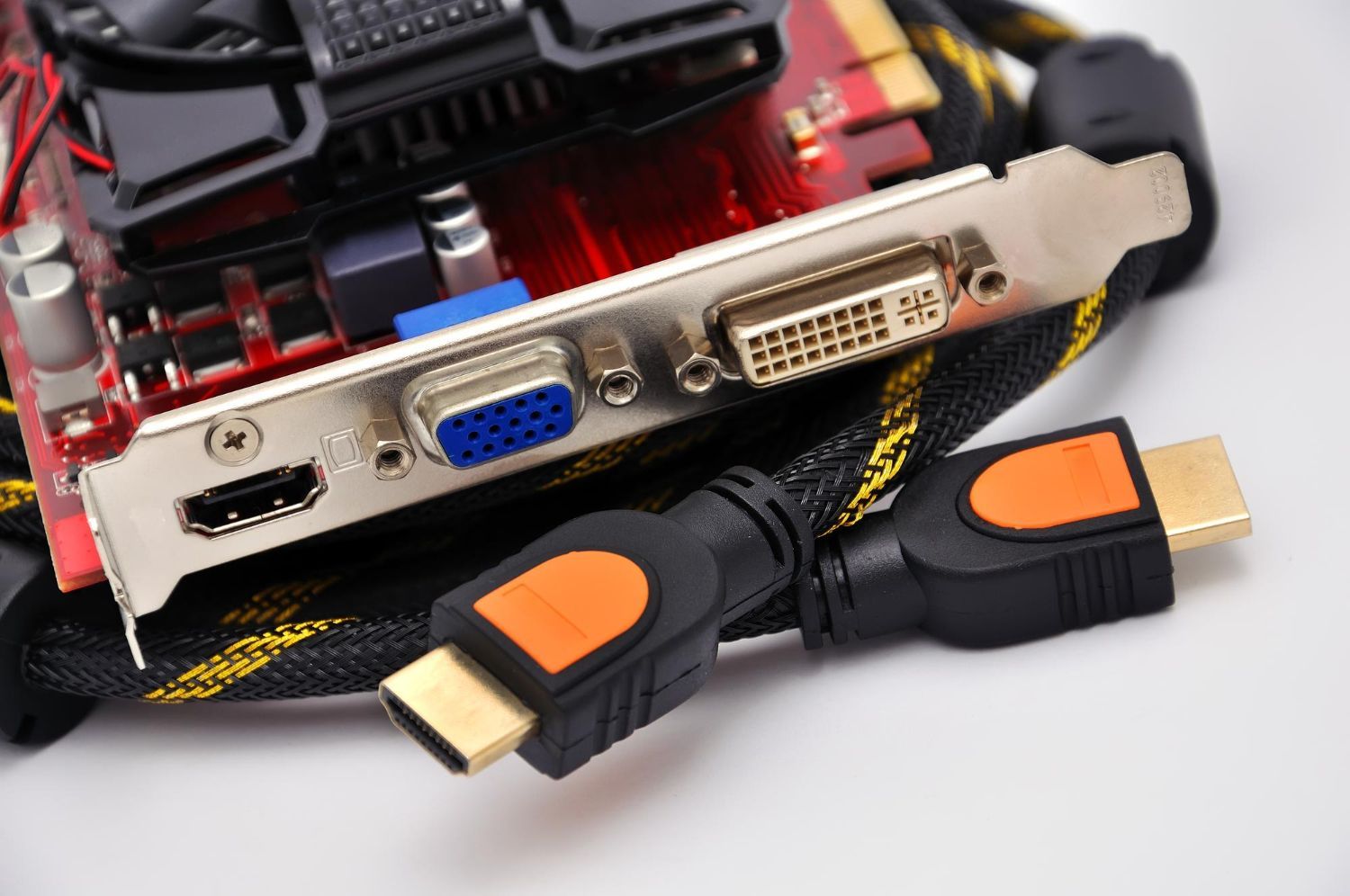
Look inside the port for bent pins or obvious damage. If anything appears misaligned, the port likely needs replacement.
Avoid Forcing the Cable
If the cable does not insert smoothly, do not force it. This can cause additional internal damage.
Ready to Fix Your Console’s Video Problem?
HDMI port damage is one of the most common console issues, and it often requires specialized repair equipment. Tech Shack performs micro-soldering repairs that restore the connection so your console displays properly again.
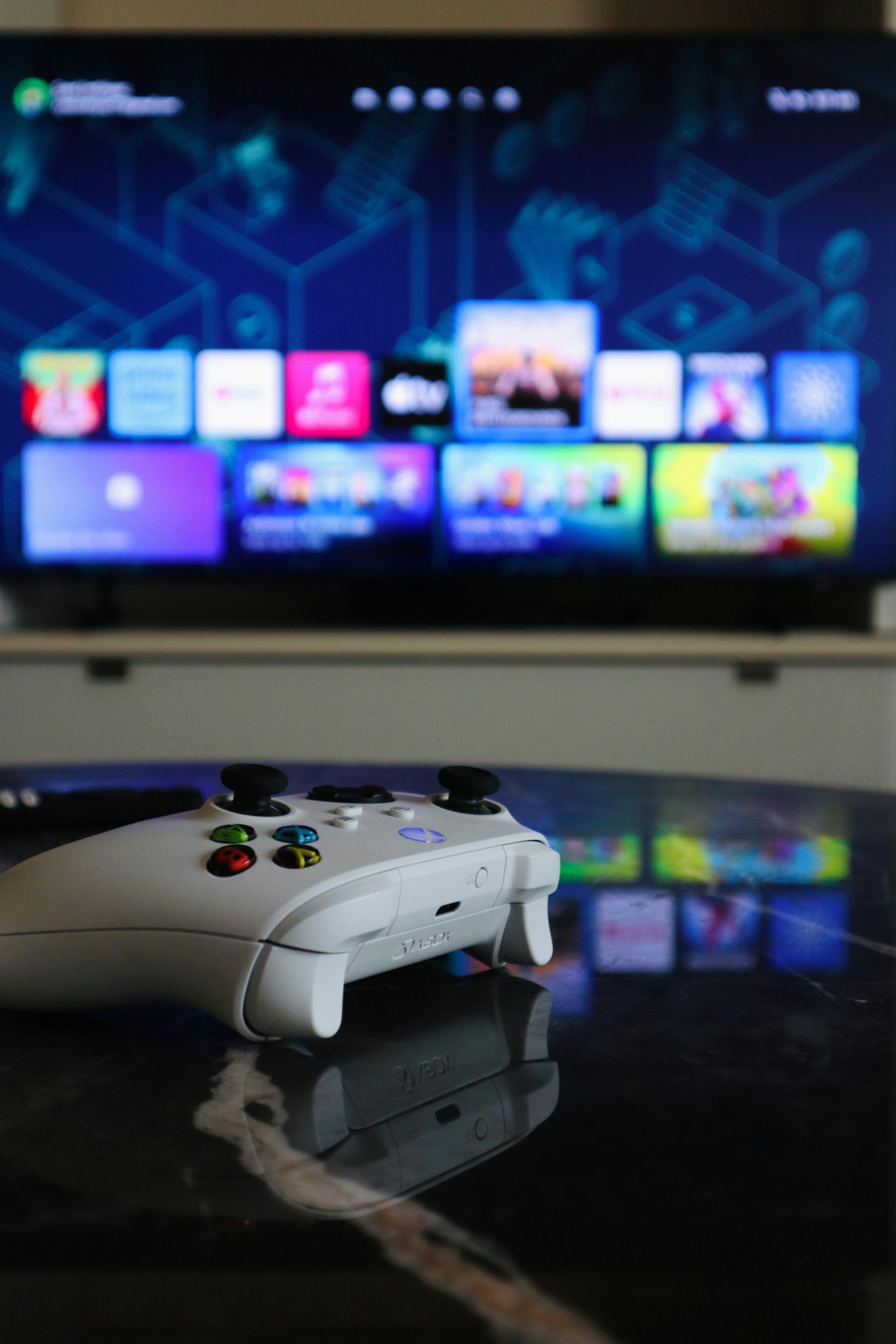
What to Expect During HDMI Port Repair
The repair process begins with inspection of the HDMI port and motherboard connection to confirm the failure. Once the problem is verified, the damaged port is carefully removed using precision soldering equipment. A replacement port is installed and securely connected to the motherboard. After the repair is complete, the console is tested to confirm stable video output.
Typical steps include:
- Diagnostic inspection of the HDMI connection.
- Removal of the damaged HDMI port.
- Micro-soldering installation of the new port.
- Final testing with display output verification.
Compare Your Options Clearly
HDMI port repair is usually the most practical solution when a console has no video output.
| Situation | HDMI Port Repair | Replacement |
|---|---|---|
| Damaged HDMI connector | Port replacement restores video | New console required |
| Console otherwise works | Repair fixes the only issue | Replacement unnecessary |
| Budget considerations | Repair is usually more affordable | Buying new system costs more |
| Data and game saves | Console and saved data remain intact | Data transfer required |
Not sure whether your console needs HDMI repair? Diagnostics confirm the problem quickly.
HDMI Port Repair FAQs
How do I know if my console's HDMI port is damaged?
The most common signs are no picture or sound when the console is connected to a TV, a loose or wobbly HDMI cable, or a port that's visibly bent or pushed in. If your console powers on but shows no signal, the HDMI port is usually the first thing to check.
Can an HDMI port on a PS4 or PS5 be repaired?
Yes. HDMI port replacement is one of the most common repairs Tech Shack performs on PlayStation consoles. It requires micro-soldering to remove the damaged port and install a new one correctly — a job that most general repair shops aren't equipped for.
How long does HDMI port repair take?
HDMI port replacement typically takes 1–3 business days at Tech Shack. Once the new port is installed, we test the console thoroughly to confirm the repair is solid before returning it to you.
Will repairing the HDMI port fix the no-signal issue?
In most cases, yes — if the HDMI port is the confirmed cause. Our diagnostic process verifies this before we proceed with the repair, so we're not replacing a port that wasn't the problem. If another issue is also contributing, we'll flag it during the diagnostic.
Restore Your Console’s Video Output
A damaged HDMI port can make a working console seem completely unusable. Tech Shack helps Clemson gamers restore video output so their systems can get back to normal gameplay.
We're not just a console shop — if your laptop or desktop is also giving you trouble, our
computer repair services cover everything from slow performance to hardware failure.