Fast Computer Repair for Clemson Laptops and PCs
Is Your Computer Slowing Down or Not Working?
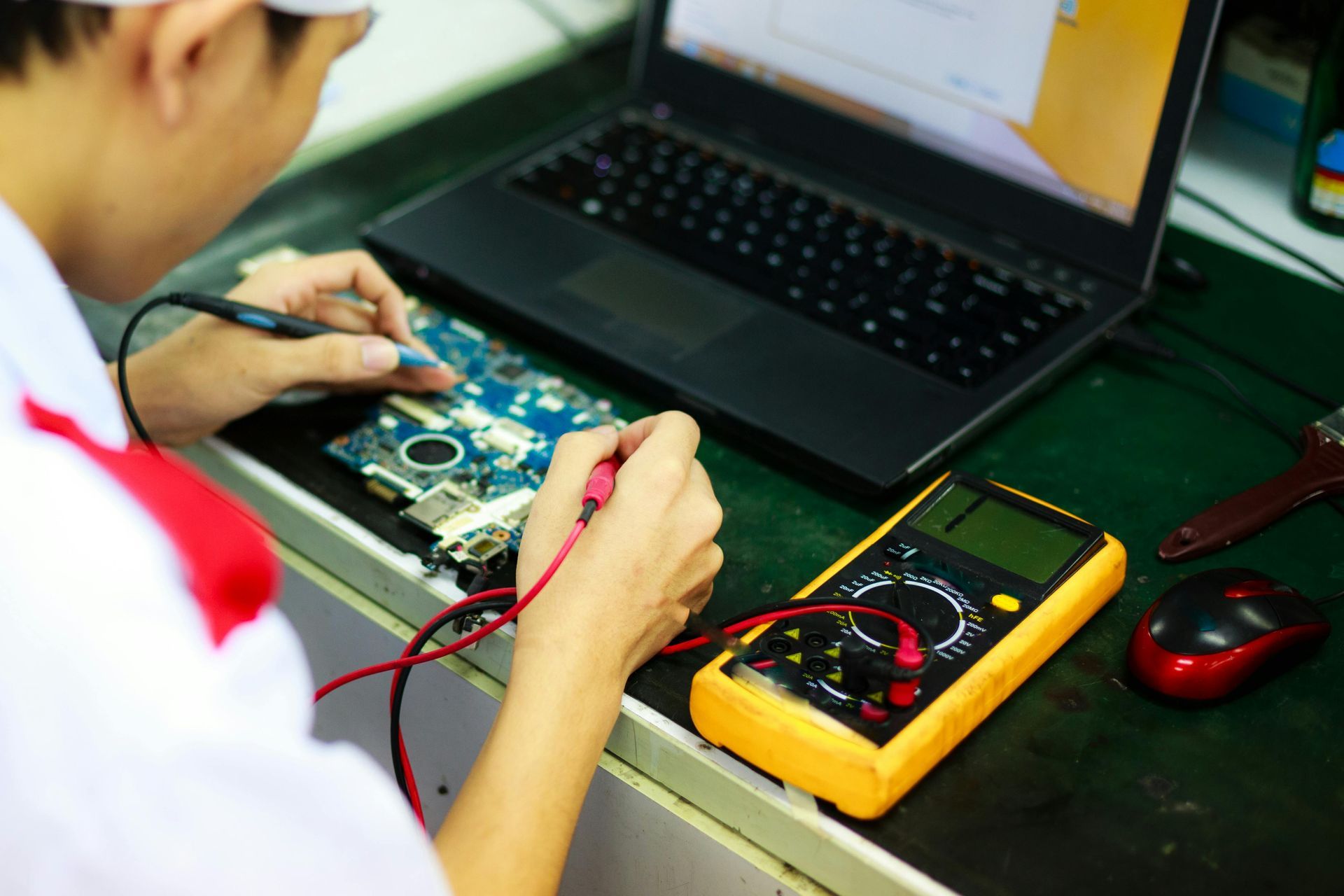
Computers often fail at the worst possible moment—right before a class project, work deadline, or gaming session. It’s normal to feel frustrated when a laptop won’t boot, a desktop keeps crashing, or files suddenly disappear. Tech Shack provides reliable computer repair in the Clemson area, diagnosing both simple and complex problems so you can get back to using your device without the stress. Whether the issue is hardware failure, software corruption, or performance problems, our technicians repair laptops and desktops every day for students, homeowners, and local businesses.
Problems We Fix for Clemson Computer Owners
Slow or Freezing Computers
If your laptop takes forever to start or programs constantly freeze, the system may need hardware upgrades, cleanup, or operating system repair. A proper diagnosis identifies the root cause so your computer runs smoothly again.
Laptop Won’t Turn On
A computer that refuses to power up can result from battery failure, motherboard issues, or charging problems. Careful testing helps isolate the issue so the right repair restores functionality.
Storage Upgrades and SSD Installs
Running out of space or waiting minutes for programs to open can make daily work painful. Upgrading to modern solid-state drives dramatically improves performance and boot times.
Virus and Malware Removal
Suspicious pop-ups, unknown programs, and system crashes often signal malware infections. Removing malicious software and securing the system restores stability and protects your files.
Data Recovery and File Access
Losing documents, school projects, or photos can feel overwhelming. Data recovery tools and careful repair methods can often retrieve files from damaged systems or failing drives.
Not sure if your computer is worth repairing? If the cost of repair doesn't make sense for your device's age or condition, we also offer tech
trade-in options so you can put its remaining value toward something new.
Small Issues That Often Turn Into Bigger Repairs
Ignoring overheating laptops can lead to internal component damage and permanent hardware failure.
Continuing to run a computer with malware can expose personal data or cause system corruption.
Using damaged charging cables or ports can eventually damage internal power circuits.
Running out of storage space can slow performance and cause application crashes.
Delaying diagnostics when a computer repeatedly shuts down can allow problems to worsen.
Quick troubleshooting tips
Quick Guidance for Common Computer Problems
If Your Computer Is Running Slowly
Check how full your storage drive is and whether multiple programs are starting automatically. Performance upgrades like SSD installation often provide the biggest improvement.
If Your Laptop Won’t Charge
Test a different charger first to rule out cable issues. If the problem persists, the charging port or internal battery may need replacement.
If You See Constant Pop-Ups
Disconnect from the internet and avoid entering passwords until malware is removed. A full system cleanup and security review restores safe operation.
If Your Computer Won’t Boot
Repeated restart loops often signal operating system corruption or failing hardware. Diagnostics determine whether repair or component replacement is needed.
We also repair gaming consoles that won't power on or display signal. If you're dealing with a PlayStation or Xbox issue alongside a computer problem, see our console repair page for what we cover.
Ready to Have This Handled for You?
Many people reach this point after trying a few troubleshooting steps and realizing the issue needs a professional repair. Tech Shack handles computer repairs every day, helping Clemson residents and students get reliable devices back in working order.
What to Expect From Start to Finish
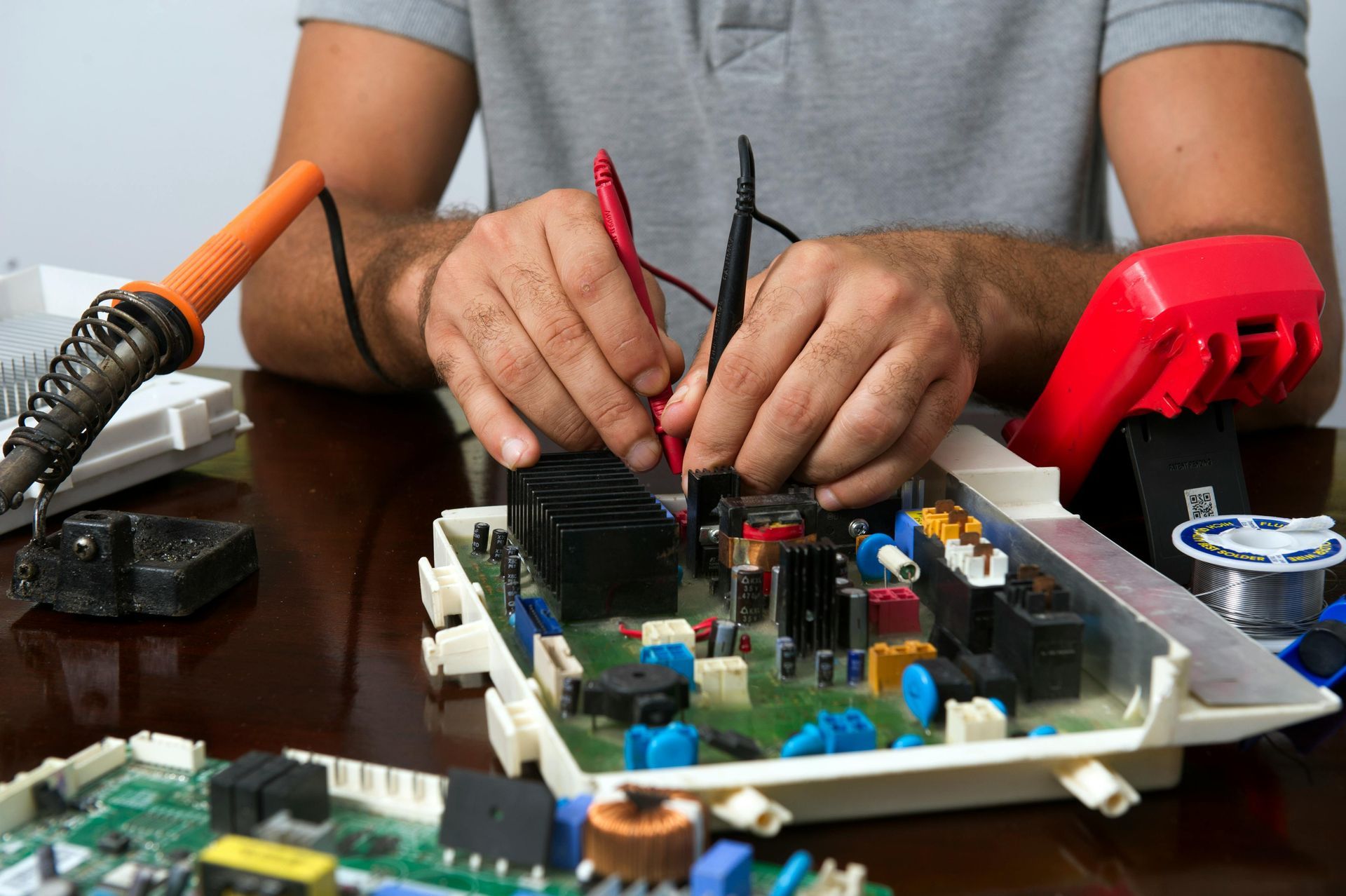
When you bring your computer to Tech Shack, the first step is a full diagnostic to identify the exact issue affecting the device. Once the problem is confirmed, you receive clear repair options so you can choose the best path forward. Most repairs involve hardware replacement, system restoration, or performance upgrades depending on the condition of the machine. Throughout the process, communication stays simple so you always know the status of your repair.
Steps often include:
- Device inspection and diagnostic testing.
- Clear explanation of the problem and recommended repair.
- Hardware replacement, system repair, or upgrades.
- Final testing to confirm performance and stability.
What to Expect From Start to Finish
Understanding the difference between repair and replacement helps you make the right decision.
| Situation | Repair | Replacement |
|---|---|---|
| Computer age | Ideal for systems under 5–6 years old with solid components | Often better for systems older than 7–8 years |
| Performance problems | SSD upgrades and memory upgrades dramatically improve speed | New computer may be needed if multiple components are failing |
| Data recovery needs | Repair allows recovery of files and programs | Replacement requires transferring data if possible |
| Budget considerations | Repair is often the most affordable option | New systems require higher upfront cost |
Not sure which fits your situation? We’ll walk you through the best choice.
Computer Repair FAQs
How long does computer repair take in Clemson?
Most computer repairs at Tech Shack are completed within 24–48 hours. Simple fixes like virus removal, RAM upgrades, or software issues are often faster, while hardware repairs like screen replacements may take slightly longer depending on parts availability.
Is it worth repairing a slow or old laptop?
For most laptops under five or six years old, repair is almost always more affordable than replacement. Upgrading to an SSD or adding RAM can dramatically improve performance at a fraction of the cost of a new machine.
Can you recover files from a laptop that won't turn on?
In many cases, yes. Tech Shack performs data recovery on laptops and desktops that won't power on, as long as the storage drive itself isn't critically damaged. We'll assess the drive during the diagnostic and let you know what's recoverable.
Do you repair all laptop brands?
Yes. Tech Shack repairs Dell, HP, Lenovo, ASUS, Acer, Microsoft Surface, and most other major laptop brands. If you're unsure whether we work on your specific model, call or message us and we'll confirm before you come in.
Get This Fixed Before It Gets Worse
Computer problems rarely resolve on their own, and small issues often become larger failures over time. Tech Shack helps Clemson residents and students get reliable computer repair with clear diagnostics and practical solutions.
Have a Mac instead of a PC? Visit our
Mac repair page for Apple-specific services. Dealing with a console HDMI issue? We handle those too — see
HDMI port repair.