
Home Theater Installation That Looks Clean and Sounds Incredible
Want a Home Theater Setup That Actually Feels Like a Theater?
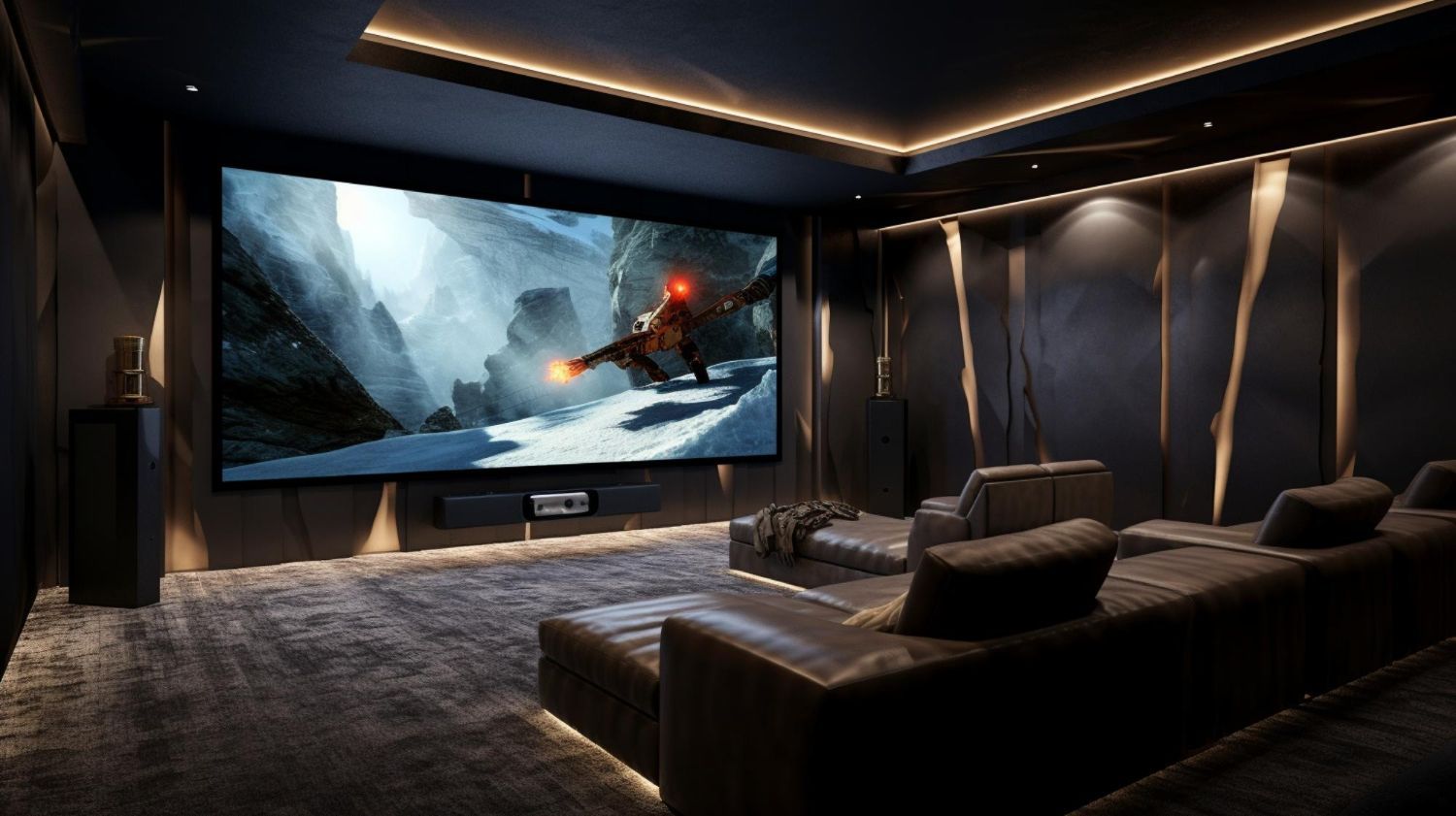
Many people buy great TVs and speakers but struggle to make everything work together. Cables hang from the wall, sound systems aren’t balanced, and switching between devices becomes frustrating. Tech Shack provides home theater installation in the Clemson area designed to create clean, organized setups that deliver better sound, better visuals, and easier control. Whether you're installing a single TV and sound system or designing a multi-room audio setup, the system is built to work seamlessly.
Situations Where Home Theater Installation Makes a Difference
Wall-Mounted TVs With Hidden Cables
Nothing ruins a clean entertainment setup like visible wires. In-wall cable routing and wall plate connections keep everything organized and protected.
Surround Sound System Setup
Speaker placement and calibration dramatically affect sound quality. Proper installation ensures balanced audio throughout the room.
Multiple Entertainment Devices
Game consoles, streaming devices, and Blu-ray players often create cable clutter. Organized installation simplifies switching between devices.
Whole-Home Audio Systems
For larger homes, audio can be installed across multiple rooms so music plays throughout the house while allowing independent volume control in each space.
Common Mistakes With Home Entertainment Setups
Mounting TVs without properly securing cables and connections.
Running HDMI cables directly through walls without protective plates.
Placing speakers incorrectly, which affects sound quality.
Overloading power strips behind entertainment centers.
Installing expensive equipment without planning the wiring layout.
Quick troubleshooting tips
Quick Guidance for Better Home Theater Performance
Plan Cable Paths Before Mounting the TV
Running cables inside walls or through proper plates protects both the cables and the equipment.
Position Speakers Correctly
Speaker placement determines how immersive the audio experience will feel.
Use Dedicated Connections for Consoles and Media Devices
Clean cable routing prevents strain on HDMI ports and protects connected devices.
Think About Future Upgrades
Planning space for additional devices or speakers allows the system to grow over time.
Ready to Upgrade Your Home Entertainment Setup?
A well-designed home theater system combines visual clarity, powerful audio, and clean installation. Tech Shack helps Clemson homeowners create entertainment systems that look professional and work smoothly.
What to Expect During Home Theater Installation
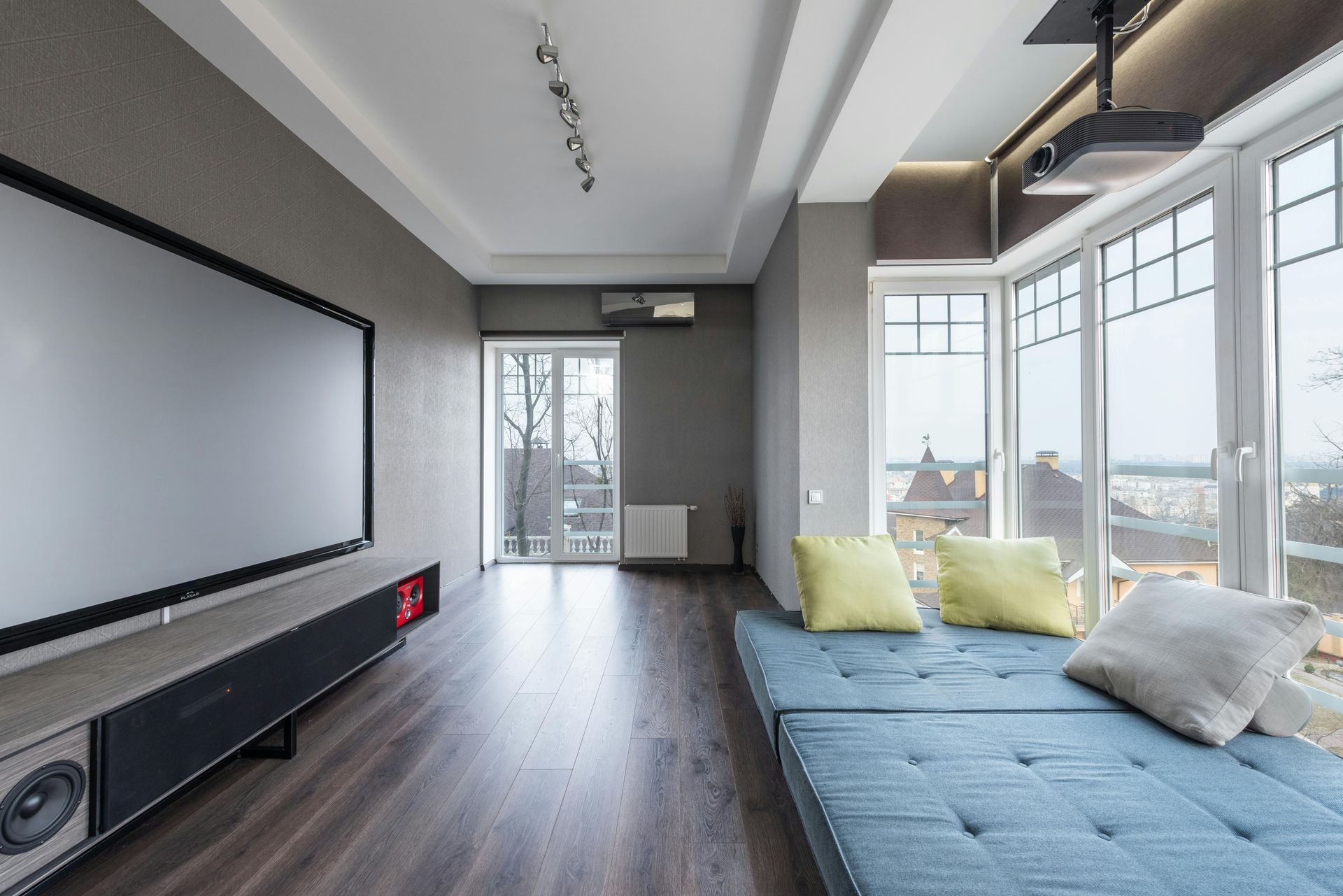
The process begins with understanding the space where the system will be installed. Room layout, seating positions, and equipment placement all affect the final design. Once the setup is planned, cables are routed safely, equipment is mounted or installed, and the system is configured for optimal performance. Final testing ensures everything works smoothly together.
Typical steps include:
- Planning equipment layout and wiring paths.
- Mounting TVs and installing speakers.
- Routing and protecting cables inside walls or through wall plates.
- Testing the system for video, sound, and device connectivity.
Getting the most out of a home theater setup starts with a reliable network. If your WiFi drops during movies or buffering is a recurring issue, our
networking and WiFi services can fix the underlying problem — whether that's a mesh system install or a dedicated wired connection to your entertainment area.
Compare Your Options Clearly
Professional installation often creates a much cleaner and more reliable entertainment setup.
| Situation | Network Optimization | Leave Current Setup |
|---|---|---|
| Cable management | Hidden wiring and organized connections | Visible cables often remain |
| Speaker placement | Balanced audio for the room | Audio may sound uneven |
| Equipment safety | Proper mounting and secure connections | Equipment may be improperly mounted |
| Overall appearance | Clean, polished installation | Setup may appear cluttered |
Not sure what type of setup works best for your home? A consultation can help plan the right system.
Home Theater FAQs
What does home theater installation include?
Tech Shack's home theater installation covers TV mounting, audio system setup, speaker placement, receiver configuration, and cable management. We handle everything from a single TV wall mount to a full surround sound system setup.
Do you install home theater systems in existing homes?
Yes. We install home theater setups in existing homes, apartments, and businesses — no new construction required. We work with the existing space and run cables cleanly to minimize visible wiring.
Can you set up a soundbar or surround sound system?
Yes. Tech Shack sets up soundbars, 5.1 surround systems, and more advanced multi-channel configurations. We also calibrate the audio settings for the room so the system performs the way it should.
Do you mount TVs above fireplaces?
Yes, though we'll advise you on heat exposure and viewing angle concerns before proceeding — above-fireplace mounts aren't ideal for every setup. We'll find the best solution for your specific room and TV size.
Build an Entertainment Setup You’ll Actually Enjoy Using
A great home theater should feel effortless to use while delivering powerful sound and crisp visuals. Tech Shack provides home theater installation in Clemson for homeowners who want an organized, high-quality entertainment setup.
If you want to take your setup further, we also handle
smart home automation — including voice control integration, smart lighting scenes for movie watching, and automated controls that tie your theater setup into the rest of your home.